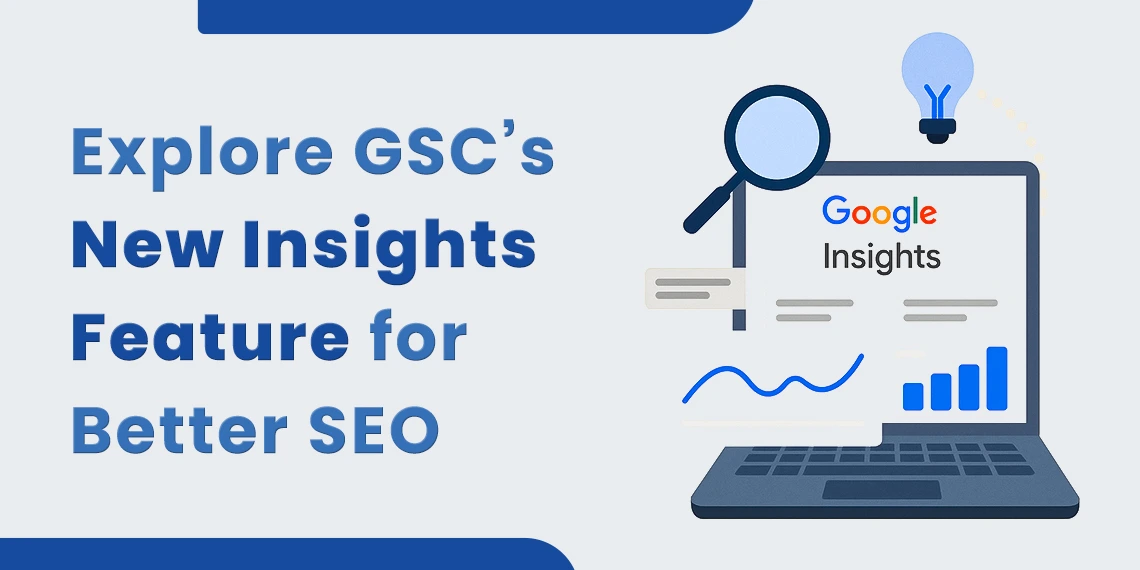
If you manage a website or offer SEO services, you know how important it is to track what works. Google Search Console has always helped with that, but many found its reports hard to follow. Now, Google has introduced a new Insights feature that makes it easier to understand your site’s performance.
This feature sits inside the main dashboard. It shows which pages and search terms bring in the most traffic. You can also see what’s gaining or losing interest. No need for deep data skills — the layout is simple and clear.
Whether you run a blog, an online store, or manage client sites, the Insights feature helps you stay focused. It’s a smart way to improve SEO and get better results from your content.
Before this update, many found Search Console useful but hard to read. It had charts, graphs, and numbers that needed time to understand.
Now, the Insights feature gives you the key facts without the clutter. It shows what content brings traffic and which keywords people search to find your pages.
Whether you are new to SEO or manage many websites, this update gives you a better way to track your site’s progress.
Before you dive into using the new Insights feature, it helps to know what kind of information it gives you. Here’s a simple breakdown of what you’ll see and how it can help with your SEO efforts.
At the top, you’ll see your site’s total clicks and views from Google Search. It also compares this data with the last period.
This helps you track changes week by week or month by month.
Next, you’ll see the pages that get the most clicks. You can use this to see what topics your audience likes.
The report also highlights “rising” and “falling” pages. If a post is rising, you might update it or link to it from other pages. If it’s falling, you may need to refresh the content.
This part shows the keywords that bring people to your site. You’ll see which ones are getting more clicks and which are dropping.
This helps with planning new content. You can build articles or pages around what people search for most.
Google also tracks small wins. If your site hits a new record for clicks in 28 days, you’ll see it here.
This can help you stay on track. It shows that your work is paying off.
Good SEO needs clear goals and regular checks. The new Insights feature supports both.
It helps you:
Let’s break this down.
The Insights feature isn’t just about viewing data — it’s about what you do with it. Here are four simple ways to turn what you see into better results for your site.
If a post is popular, make the most of it. Link to it from your new content. Add fresh details. Include a strong call to action.
Keep your top pages strong and up to date.
A page that drops in clicks may need help. Update the content. Check the title and structure. See if it still answers the reader’s question.
Even small edits can bring traffic back.
Use the top search queries as clues. These are the words people use to find your site.
Plan your next post around them. Use them in titles and headings. Make sure the page gives value to the reader.
The tool shows your wins. If your traffic rises or your page hits a record, you’ll know.
This gives you proof that your SEO steps are working.
This feature makes your job easier. You can show your clients:
Use it in reports or reviews. Keep your clients informed and confident.
You don’t need to send large graphs. Just show the facts. The feature keeps it simple.
You don’t need a big plan to get value from the Insights feature. A few simple habits can help you make better decisions and improve your SEO step by step.
Trends change. A weekly check helps you stay on top of changes. If a post drops, you’ll see it early.
Look at your top keywords. Think about what people need. Write posts that give clear answers.
Use the data to guide your content plan.
Link between strong posts. Help users find more of what they need. This keeps them on your site longer.
If your site passes a click milestone, take note. Celebrate and share it with your team or clients.
No. That’s why Google made it. Anyone can use it, even with no SEO background.
No extra tools are needed. Everything is built into Search Console. It’s part of the main dashboard now.
Yes. As long as your site is added to Google Search Console, you’ll get data. It works for blogs, shops, portfolios, and more.
This feature makes SEO easier to follow. You no longer need to look at hard charts or guess what works.
The new layout is clean, and the terms are easy to understand. This is a big step for those who want to grow online without a full marketing team.
Log in to your Google Search Console. Go to the new Insights tab.
Start by checking:
Use this to plan your updates and next steps. Small changes can lead to big results.
The new insights feature in Google Search Console is a strong tool for anyone trying to get better results online. It gives clear facts that help you grow your traffic and reach more people.
Use it often. Keep your best pages fresh. Follow what people search for. Stay focused.
If you run your site or offer SEO services, this tool will help you get better results — with less guesswork and more clarity.
At BThrust, we craft result-driven strategies in SEO, PPC, and web development to boost your brand visibility and bring in quality leads. Our team focuses on real results, better rankings, more traffic, and higher conversions.