
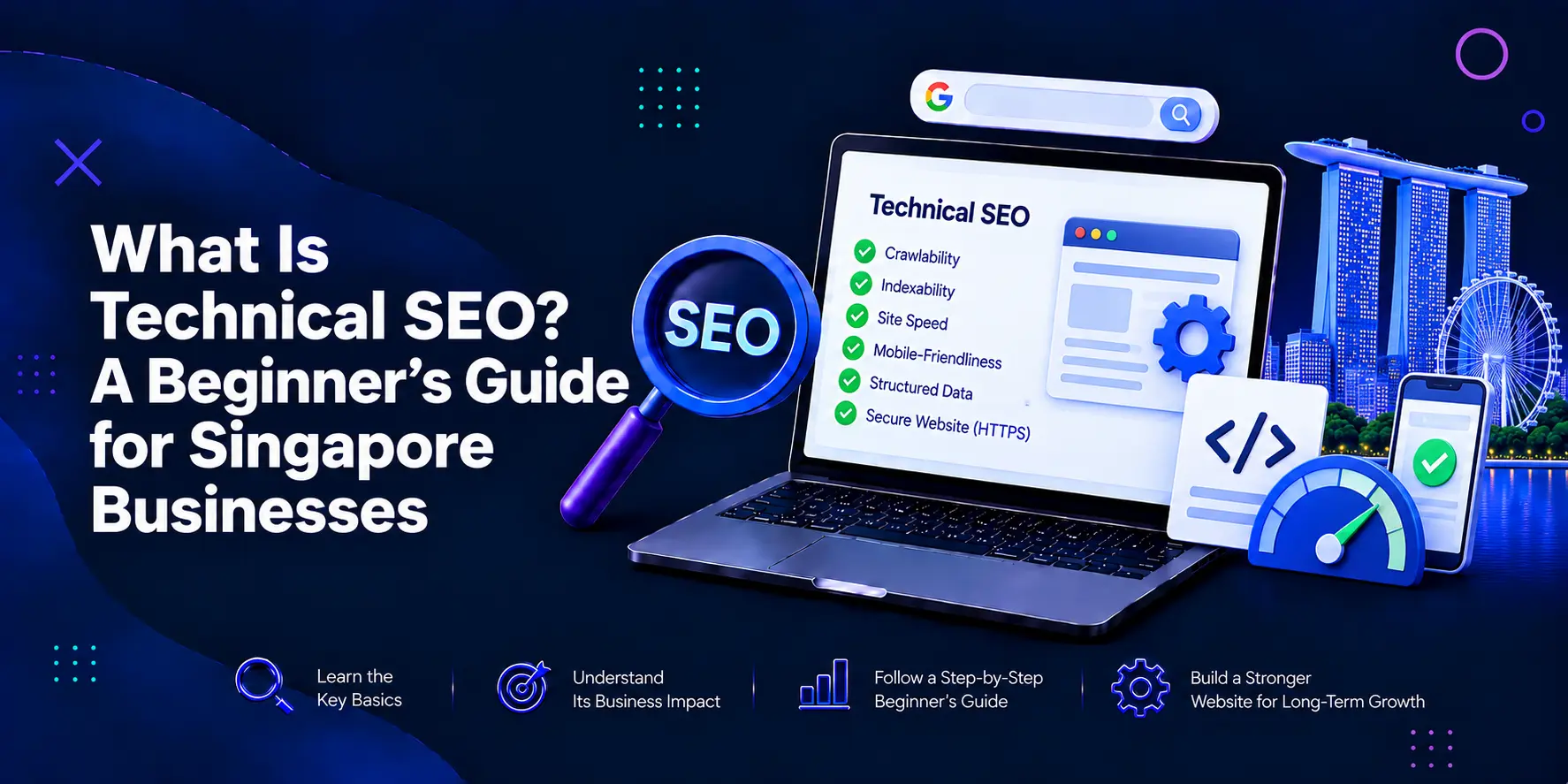
Technical SEO can sound complex when you first explore search marketing. Yet the idea is simple- your website needs a strong technical base before search engines can understand, crawl, and index its pages. For Singapore businesses, this matters because customers expect fast, secure, mobile-friendly websites when they search for products or services. Technical SEO removes barriers that can stop useful pages from appearing in search results.
This guide explains what is technical SEO, why it matters, what to check, and when expert support can help your business build a stronger search presence.
Get a free digital marketing consultation from BThrust's Singapore team and find out what's holding your growth back.
Technical SEO helps search engines access, understand, and index your website pages. It focuses on the technical setup of your site, including structure, speed, and crawl access.
According to Google, there are three main requirements for a webpage to appear in the search engine results: the Googlebot must be able to access the site, the site must return a successful HTTP status, and the content must be suitable for indexing.
This is the clearest answer to what is technical SEO- it builds a strong technical foundation that supports better visibility in search.
SEO has connected parts. Content SEO answers search questions. On-page SEO improves titles, headings, links, and relevance. Off-page SEO builds authority through links and mentions.
Technical SEO supports each part across the whole website. A useful page can struggle if Google cannot crawl it. Keyword research cannot fix slow pages or duplicate URLs.
For beginners, learning technical SEO basics for beginners creates a clear starting point. Fix website access, structure, indexing, and performance before moving towards complex SEO tactics.
Singapore has a mature digital economy. IMDA reported that 95.1% of SMEs had adopted at least one measured digital area in 2024.
That shift raises customer expectations. People compare brands across digital channels. A slow page, security warning, broken menu, or poor mobile layout can push a potential customer away.
Technical SEO can help you-
For a new SEO buyer, these gains solve problems that content alone cannot repair.
Before you use a technical SEO checklist, understand three search stages.
Google uses crawlers to discover pages and follow links. Internal links, sitemaps, robots.txt rules, and site structure can shape this process.
If an important page has no internal links, search engines may have a harder path to find it. If robots.txt blocks a key section, crawlers can lose access. Google recommends crawlable links and sitemaps to support discovery.
After crawling, Google processes a page and decides whether it can join the search index.
A noindex rule can keep a page out of Google. Duplicate pages can create another issue because Google may select one URL as the canonical version.
Ranking comes after discovery and indexing. Technical SEO does not replace useful content, relevance, or authority. It gives those assets a stronger platform.
Google says its systems seek to reward helpful content and good page experience.
You do not need to become a developer to understand these checks. Use this technical SEO checklist as a starting point.
Review robots.txt and confirm that it does not block pages you want in search. Robots.txt tells crawlers which pages or files they can request.
Use Google Search Console to inspect key URLs and find crawl or indexing issues.
An XML sitemap lists URLs you want search engines to discover. Google says sitemap submission acts as a hint, not a guarantee of crawling or indexing.
Include canonical, indexable URLs. Remove broken pages, redirected URLs, and pages you do not want in search.
A website can have hundreds of URLs, but not every URL belongs in search.
Check for-
Search Console can help you trace these issues and inspect important pages.
Duplicate URLs can appear through filters, tracking parameters, product variations, or different URL paths.
A canonical tag tells Google which URL you prefer as the main version. Google may consider canonicals, redirects, HTTPS, and sitemap signals when selecting a canonical URL.
Core Web Vitals measure loading performance, responsiveness, and visual stability.
Google’s recommended targets are-
Large images, heavy scripts, weak hosting, and cluttered code can hurt performance. PageSpeed Insights can show where the site needs work.
Customers browse and buy through phones. Your mobile site needs readable text, usable buttons, stable layouts, and complete content.
Check menus, forms, images, tap targets, and key page content. Google includes mobile display among its page experience considerations.
HTTPS encrypts data between a visitor and your website. It supports trust and protects information in transit.
Google recommends HTTPS for website security. Check that all key URLs use HTTPS, and that old HTTP versions redirect to the secure version.
Broken links send users and crawlers to dead ends. Redirect chains send them through several URLs before the final page.
Point internal links to live, final URLs. Use permanent redirects when a page moves. Google recommends server-side redirects for permanent URL changes.
Internal links help users move through your website and help search engines discover page relationships.
Every service or category page should have a clear route from other useful pages. Avoid orphan pages with no meaningful internal links.
A blog about website health can link readers towards your technical SEO services page when they need an audit or implementation support.
Structured data gives search engines a standard format for understanding page information. It can support eligible search features for products, organisations, articles, events and local businesses.
Use markup that matches visible content. Test it before launch. Structured data cannot guarantee a rich result, but it can help search engines interpret eligible information.
New SEO buyers tend to focus on rankings, keywords, and blog output. Those areas matter, but technical faults can sit underneath them.
A redesign may change URLs without redirects. A developer may leave staging noindex tags on the live site. An e-commerce filter can create near-duplicate pages.
These faults can split search signals and hide valuable pages. A technical audit should trace the cause, explain the impact, and rank fixes by priority.
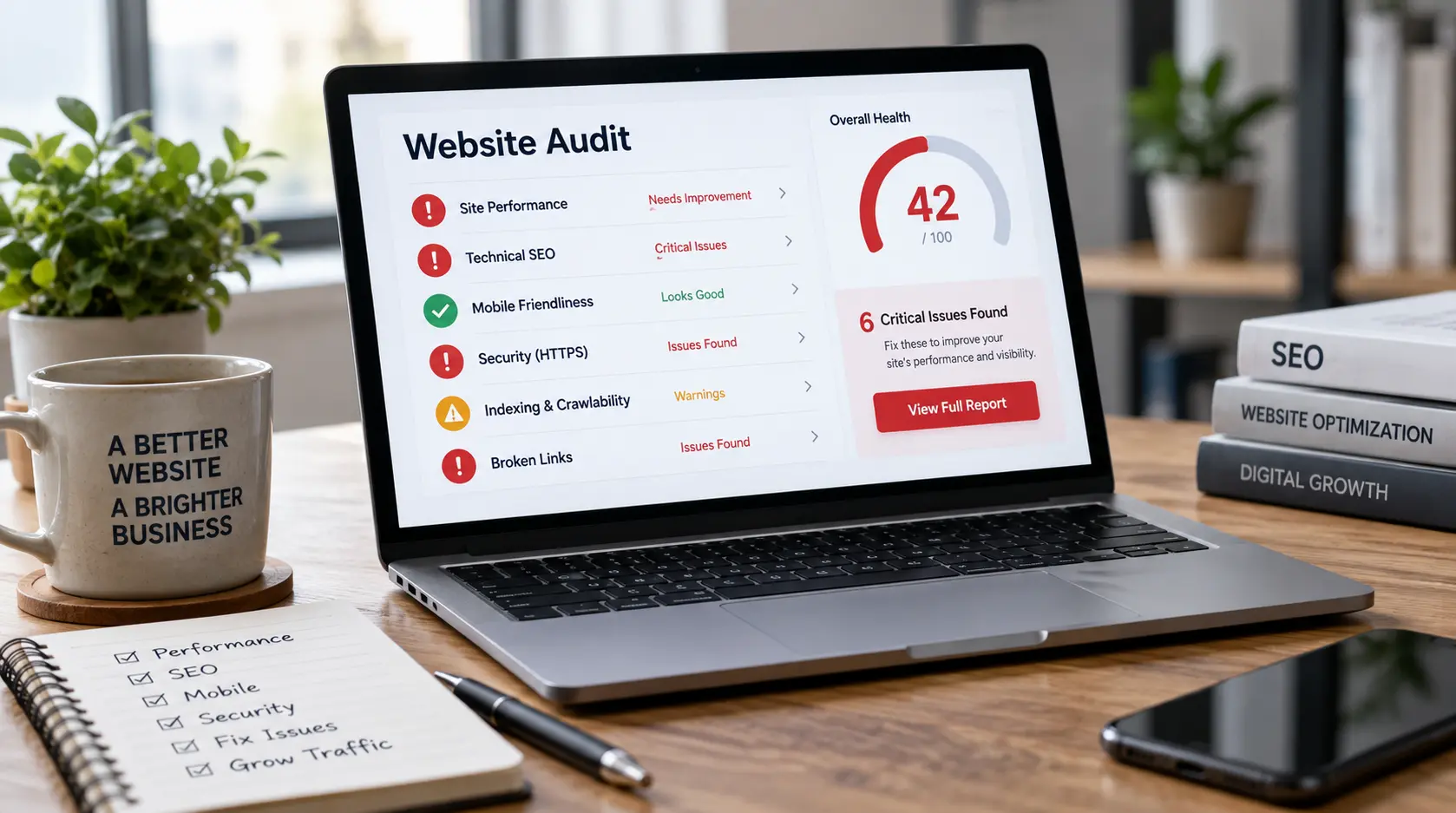
You may need technical SEO services when your website has grown, or traffic falls after technical changes.
Consider expert support when-
A good specialist should explain each issue in plain language, show why it matters, and define how success will be measured.
When you compare SEO Singapore providers, do not judge an audit by the number of errors in a tool export. Some warnings have little business impact.
A useful audit should connect findings with business goals. It should cover crawl access, indexation, site architecture, canonicals, redirects, status codes, mobile experience, Core Web Vitals, internal links, structured data, and sitemap health.
It should separate urgent faults from low-risk improvements. Ask who will implement the fixes. Clear ownership helps prevent an audit from becoming an unused document.
Technical SEO is not a one-time clean-up. Websites change as teams publish pages, remove products, update templates, and change scripts. A sound process includes checks after migrations, redesigns, or releases.
Technical SEO works best alongside useful content. Google’s Search Essentials combines technical requirements with people-first content and search best practices.
A site with strong code but weak content offers little value. Strong content on a broken site faces a different barrier. Sustainable SEO needs both.
Technical SEO gives your website the foundation it needs to compete in search. It helps search engines reach the right pages, understand your structure, and avoid technical barriers that waste valuable content.
For Singapore businesses, it supports the fast, secure, mobile-friendly experience customers expect from modern brands. Start with crawl access, indexing, sitemaps, canonicals, speed, mobile usability, HTTPS, redirects, and internal links. Then fix issues in order of business impact. When your website grows or becomes complex, expert technical SEO services can turn hidden problems into a clear plan for stronger organic growth.
Technical SEO improves the parts of a website that help search engines crawl, understand, and index pages. It covers speed, mobile usability, security, site structure, errors, sitemaps, redirects, and accessibility.
Yes. Technical SEO enables small Singapore businesses to eliminate website obstacles which negatively impact their search rankings and their visitors’ browsing experience. The system enables pages to load faster while providing better index organisation, complete mobile compatibility, enhanced protection, and improved website structure.
Most businesses need to conduct technical SEO evaluations after they implement major website changes, and they should perform comprehensive audits throughout the year. Large e-commerce, publishing, or fast-changing sites may need checks on a tighter schedule.
Most of the basic checks can be done through the tools above and your website CMS. However, technical SEO fixes like server files, JavaScript, templates, redirects, and website architecture may need an experienced developer.